The colorize.design blog
Guides to color palettes, brand identity and design systems.
 Guides
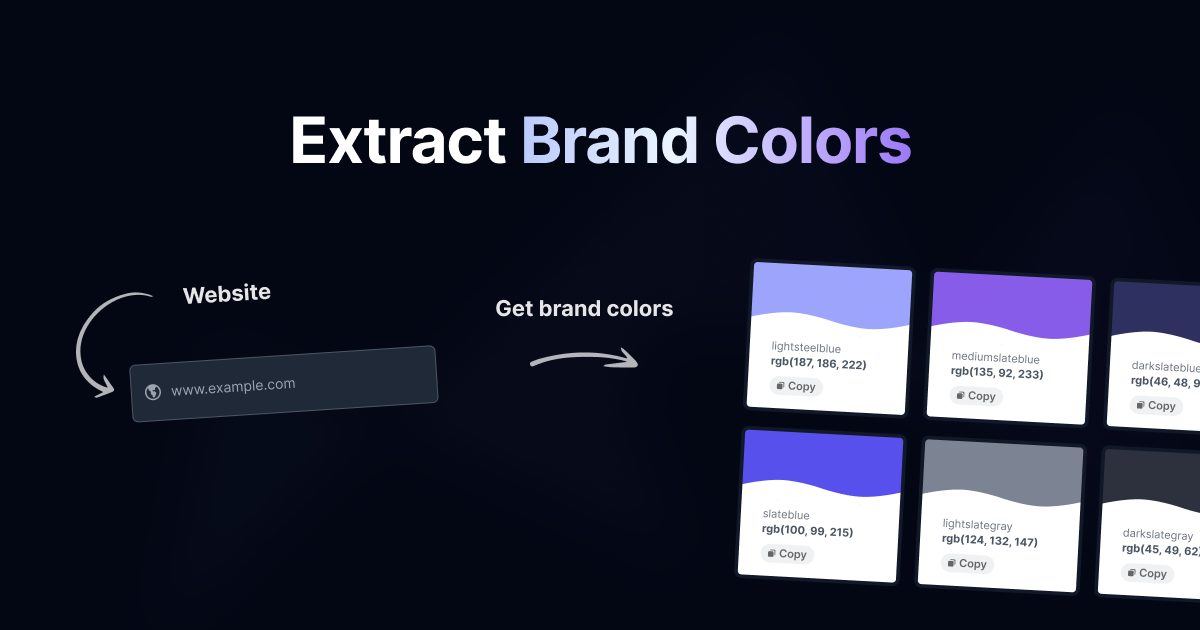
How to Extract Brand Colors From Any Website
You need the exact colors a site uses, and you need them as hex codes rather than as a hunch. Maybe you're building a pitch deck for a client, matching an integration to a partner's brand, or…
 Comparisons
Colorize vs Site Palette: Which Extractor to Use
Site Palette and Colorize solve the same sentence ("get me the colors this website uses") from opposite ends. Site Palette is a browser extension: you sign in, install it, and it quantizes what is…
 Color Theory
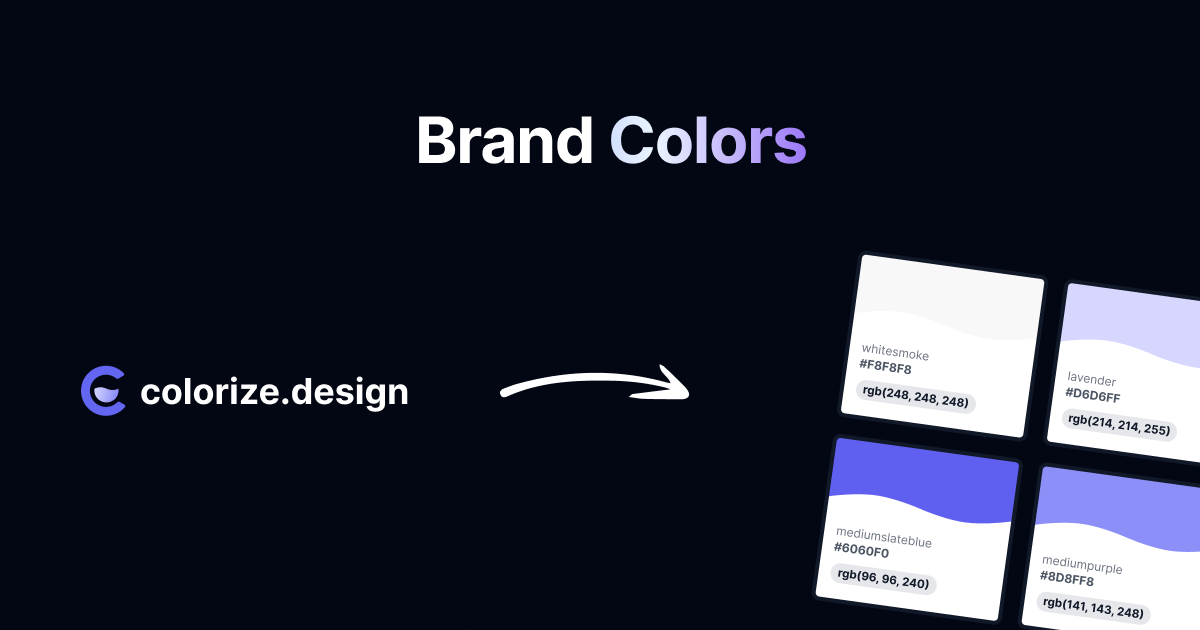
The Best Way to Extract Dominant Colors From a Logo
Reach for a color extraction library and you will almost certainly get median cut, usually through ColorThief or one of its ports. Feed it a photograph and it does a genuinely good job. Feed it a logo…
 Engineering
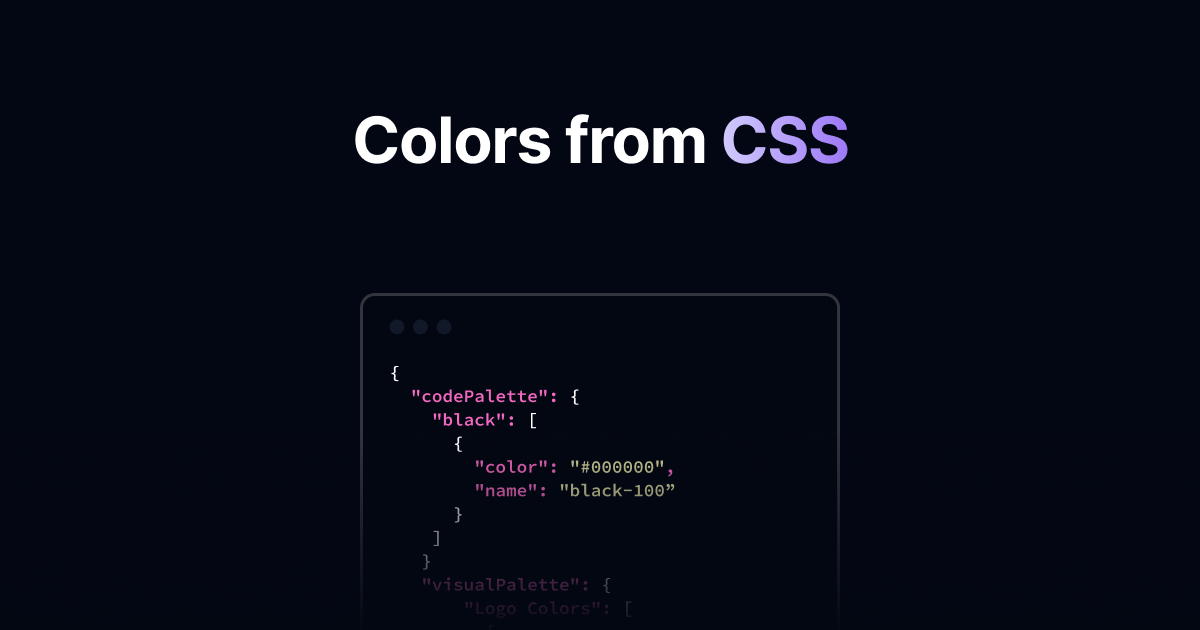
How to Extract Brand Colors From Modern CSS
For about fifteen years you could collect every color a website used with three regular expressions. One for hex, one for rgb() and rgba(), one for hsl() and hsla(). Between them they matched…
 Engineering
How to Extract Brand Colors From SVG Logos
An SVG is a text file with the colors written in it. Compared to sampling pixels out of a PNG, reading fill="#1F6FEB" out of some markup should be the easy case. In practice SVG logos are the single…
 Color Theory
The Complete Guide to Accurate Brand Color Palettes
You point an extractor at a logo, ask for the brand palette, and get five colors back. Three of them are the same blue.