
Microsoft Office brand colors
Microsoft Office's brand colors are tomato (#F05020), yellowgreen (#80B800), cornflowerblue (#00A0F0), orange (#F8B800), dimgray (#606060), Dark Slate Gray (#242424) and White (#FFFFFF).
AI-assisted productivity apps for documents, data, and teamwork.
Microsoft Office brand color palette
The core colors Microsoft Office uses across its logo and interface. Click any swatch to copy its hex code.
tomatoAccent
#F05020
rgb(240, 80, 32)
yellowgreenAccent
#80B800
rgb(128, 184, 0)
cornflowerblueAccent
#00A0F0
rgb(0, 160, 240)
orangeAccent
#F8B800
rgb(248, 184, 0)
dimgrayDark
#606060
rgb(96, 96, 96)
Dark Slate GrayDark
#242424
rgb(36, 36, 36)
WhiteLight
#FFFFFF
rgb(255, 255, 255)
| Color | Name | HEX | RGB | Role |
|---|---|---|---|---|
| tomato | #F05020 | rgb(240, 80, 32) | Accent | |
| yellowgreen | #80B800 | rgb(128, 184, 0) | Accent | |
| cornflowerblue | #00A0F0 | rgb(0, 160, 240) | Accent | |
| orange | #F8B800 | rgb(248, 184, 0) | Accent | |
| dimgray | #606060 | rgb(96, 96, 96) | Dark | |
| Dark Slate Gray | #242424 | rgb(36, 36, 36) | Dark | |
| White | #FFFFFF | rgb(255, 255, 255) | Light |
Microsoft Office logos
The 4 marks Microsoft Office publishes, at original quality. Copy one to the clipboard (SVG as code, everything else as an image), or save the original file.
Primary logo
SVG

Icon
PNG
Alternate
PNG

Logo
WEBP
Microsoft Office extracted color palette
Every color Microsoft Office puts on screen, taken two ways: sampled from a live screenshot of office.com, and read out of the site's own stylesheets. Click any swatch to copy its hex code.
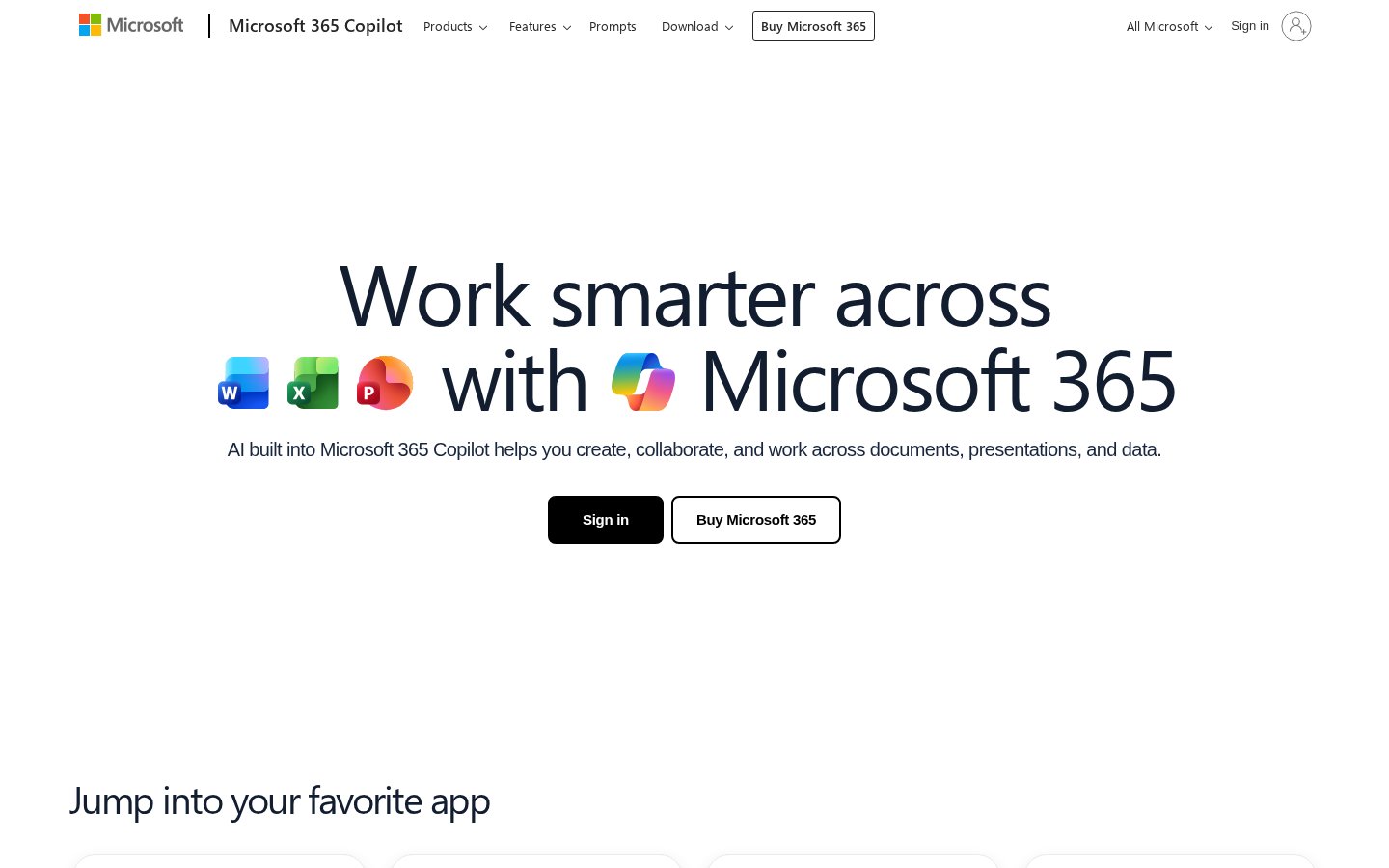
The office.com homepage, as captured for this palette.
black
#081214
rgb(8, 18, 20)
gainsboro
#DED9CD
rgb(222, 217, 205)
gainsboro
#D9DCE1
rgb(217, 220, 225)
dimgray
#616773
rgb(97, 103, 115)
honeydew
#CFE8D4
rgb(207, 232, 212)
cornflowerblue
#589EF8
rgb(88, 158, 248)
About Microsoft Office
The site describes Microsoft’s subscription productivity suite, which includes familiar apps like Word, Excel, PowerPoint, Outlook, Teams, OneDrive, and the Copilot AI app. It explains how Copilot integrates AI into those apps to generate content, create images, build slides, summarize information, and analyze data using plain-language prompts and attached files for context. Visitors can access free web versions, sign in to download desktop apps, install mobile apps, and compare subscription plans for additional features. The content calls out workflow features such as specialized agents for meeting preparation and a focused desktop experience that brings AI and files together. It emphasizes user control over when AI features run and notes that existing privacy and security settings continue to apply. The site is aimed at professionals, teams, educators, and students seeking integrated productivity, collaboration, and AI-assisted workflows.
 Twitch brand colors
  VK brand colors
  Microsoft brand colors
  GitHub brand colors
  Discord brand colors