
Figma brand colors
Figma's brand colors are Medium Slate Blue (#874FFF), Dodger Blue (#0D99FF), Tomato (#FF7237), Medium Sea Green (#24CB71), Tomato (#FF3737), Black (#000000) and White (#FFFFFF).
Real-time collaborative design and prototyping for product teams.
Figma brand color palette
The core colors Figma uses across its logo and interface. Click any swatch to copy its hex code.
Medium Slate BluePrimary
#874FFF
rgb(135, 79, 255)
Dodger BlueAccent
#0D99FF
rgb(13, 153, 255)
TomatoAccent
#FF7237
rgb(255, 114, 55)
Medium Sea GreenAccent
#24CB71
rgb(36, 203, 113)
TomatoSecondary
#FF3737
rgb(255, 55, 55)
BlackDark
#000000
rgb(0, 0, 0)
WhiteLight
#FFFFFF
rgb(255, 255, 255)
| Color | Name | HEX | RGB | Role |
|---|---|---|---|---|
| Medium Slate Blue | #874FFF | rgb(135, 79, 255) | Primary | |
| Dodger Blue | #0D99FF | rgb(13, 153, 255) | Accent | |
| Tomato | #FF7237 | rgb(255, 114, 55) | Accent | |
| Medium Sea Green | #24CB71 | rgb(36, 203, 113) | Accent | |
| Tomato | #FF3737 | rgb(255, 55, 55) | Secondary | |
| Black | #000000 | rgb(0, 0, 0) | Dark | |
| White | #FFFFFF | rgb(255, 255, 255) | Light |
Figma logos
The 5 marks Figma publishes, at original quality. Copy one to the clipboard as SVG code, or save the original file.
Primary logo
SVG

Logo
SVG

Symbol
SVG
Symbol
SVG
Alternate
SVG
Figma extracted color palette
Every color Figma puts on screen, taken two ways: sampled from a live screenshot of figma.com, and read out of the site's own stylesheets. Click any swatch to copy its hex code.
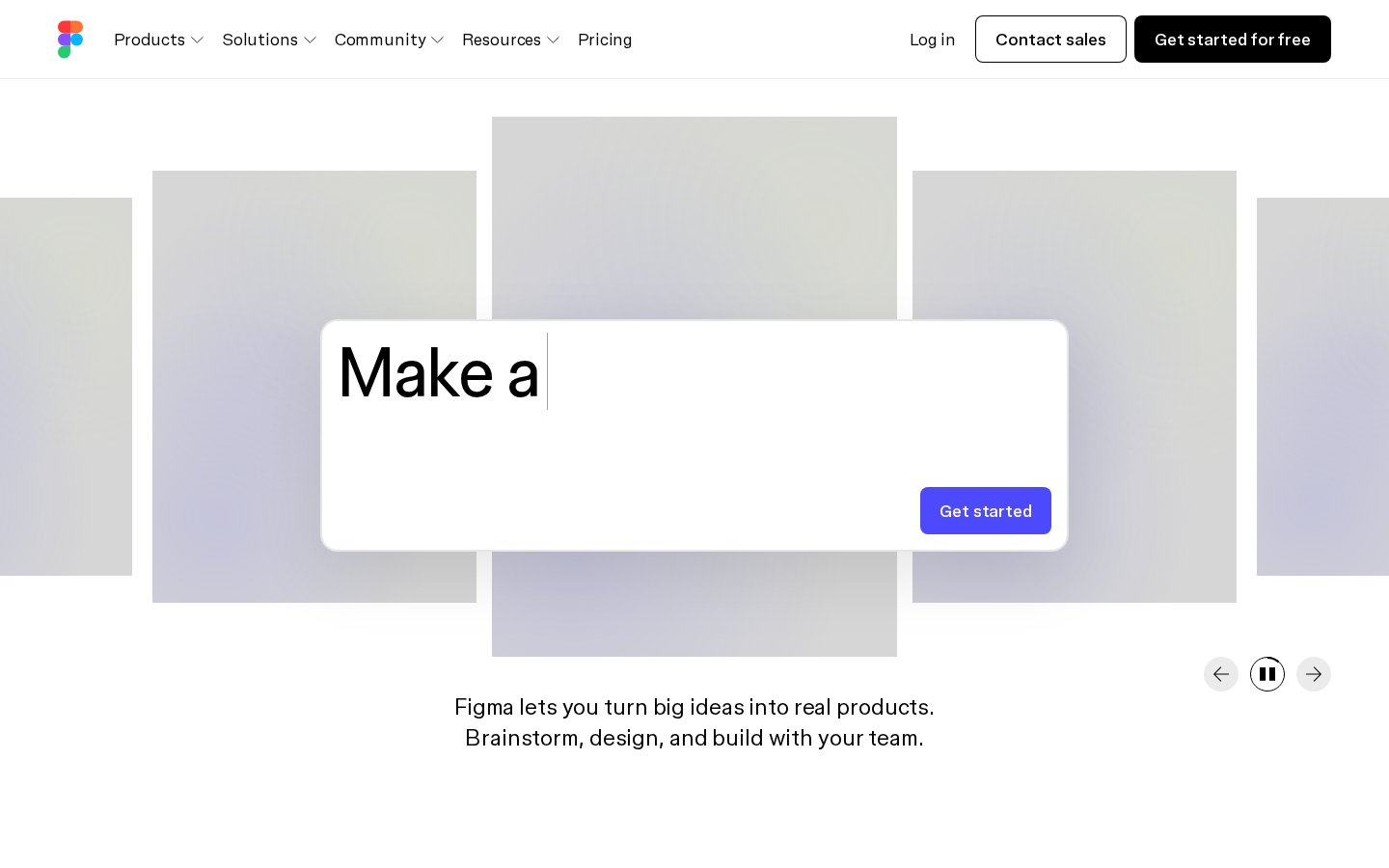
The figma.com homepage, as captured for this palette.
dimgray
#574525
rgb(87, 69, 37)
black
#060503
rgb(6, 5, 3)
gainsboro
#E0E4D8
rgb(224, 228, 216)
teal
#52786B
rgb(82, 120, 107)
darkgray
#B0ACBB
rgb(176, 172, 187)
peru
#C29258
rgb(194, 146, 88)
About Figma
This site offers a web-native interface design platform for product designers, UX teams, and developers. It supports creating interactive prototypes, building reusable components and variables, and publishing responsive websites. The platform centers on real-time collaboration so multiple contributors can edit, comment, and gather feedback in a shared workspace. Developer-focused features provide specs, annotations, and code snippets to simplify handoff. An ecosystem of plugins, templates, community projects, and AI tools lets teams automate tasks and convert designs into working code or live apps. Overall, it aims to be a single source of truth that speeds up design-to-development workflows across organizations.
 The Guardian brand colors
  Internet Archive brand colors
  Etsy brand colors
  Airbnb brand colors
  Alibaba brand colors