
Microsoft 365 brand colors
Microsoft 365's brand colors are Royal Blue (#464FEB), Dim Gray (#606060), Orange Red (#F05020), Olive (#80B800), Deep Sky Blue (#00A0F0), Orange (#F8B800), Pale Violet Red (#F05888) and Salmon (#F88868).
AI assistant embedded across Microsoft 365 productivity apps.
Microsoft 365 brand color palette
The core colors Microsoft 365 uses across its logo and interface. Click any swatch to copy its hex code.
Royal BlueAccent
#464FEB
rgb(70, 79, 235)
Dim GrayBrand
#606060
rgb(96, 96, 96)
Orange RedBrand
#F05020
rgb(240, 80, 32)
OliveBrand
#80B800
rgb(128, 184, 0)
Deep Sky BlueBrand
#00A0F0
rgb(0, 160, 240)
OrangeBrand
#F8B800
rgb(248, 184, 0)
Pale Violet RedBrand
#F05888
rgb(240, 88, 136)
SalmonBrand
#F88868
rgb(248, 136, 104)
| Color | Name | HEX | RGB | Role |
|---|---|---|---|---|
| Royal Blue | #464FEB | rgb(70, 79, 235) | Accent | |
| Dim Gray | #606060 | rgb(96, 96, 96) | Brand | |
| Orange Red | #F05020 | rgb(240, 80, 32) | Brand | |
| Olive | #80B800 | rgb(128, 184, 0) | Brand | |
| Deep Sky Blue | #00A0F0 | rgb(0, 160, 240) | Brand | |
| Orange | #F8B800 | rgb(248, 184, 0) | Brand | |
| Pale Violet Red | #F05888 | rgb(240, 88, 136) | Brand | |
| Salmon | #F88868 | rgb(248, 136, 104) | Brand |
Microsoft 365 logos
The 2 marks Microsoft 365 publishes, at original quality. Copy one to the clipboard (SVG as code, everything else as an image), or save the original file.
Primary logo
SVG

Symbol
PNG
Microsoft 365 extracted color palette
Every color Microsoft 365 puts on screen, taken two ways: sampled from a live screenshot of microsoft365.com, and read out of the site's own stylesheets. Click any swatch to copy its hex code.
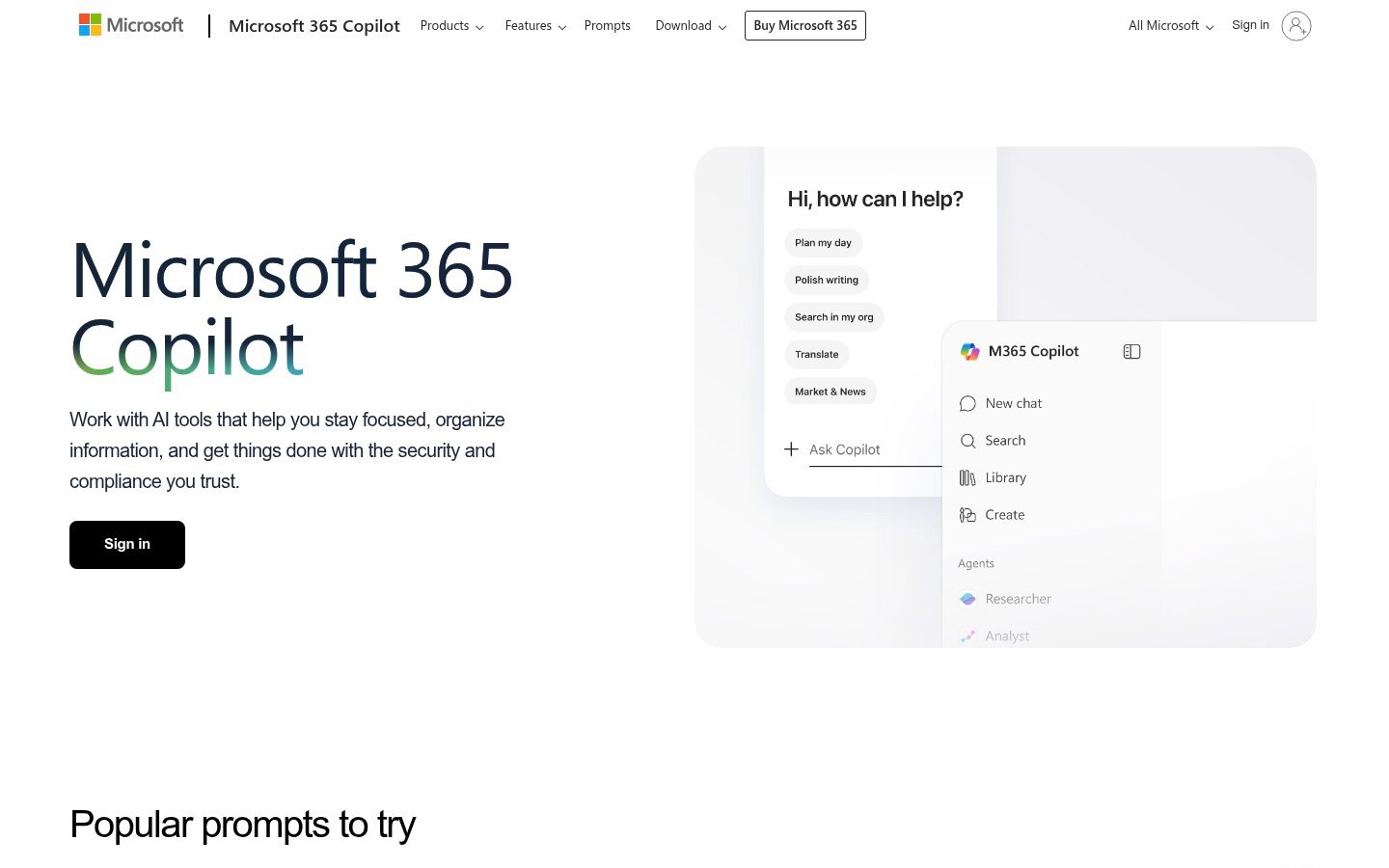
The microsoft365.com homepage, as captured for this palette.
whitesmoke
#F3F2EC
rgb(243, 242, 236)
whitesmoke
#EBEBF0
rgb(235, 235, 240)
black
#161A16
rgb(22, 26, 22)
gainsboro
#DCEAE8
rgb(220, 234, 232)
gray
#948A74
rgb(148, 138, 116)
lightslategray
#798397
rgb(121, 131, 151)
About Microsoft 365
This site serves business and individual Microsoft 365 subscribers who need quicker ways to draft, analyze, and find information. It offers an AI assistant that supports chat-based workflows, natural-language search, document summarization, content rewriting, image creation, and chart generation. The service integrates directly into core productivity apps such as Outlook, Word, Excel, PowerPoint, and Teams, consolidating AI tools in a single web interface. It highlights enterprise-grade security, compliance, and device management features as part of the offering. Unlike standalone AI utilities, it embeds generative capabilities into established productivity workflows and provides templates and prompts for common tasks like interview prep, writing improvement, and data visualization.
 NIH brand colors
  National Weather Service brand colors
  Google brand colors
  YouTube brand colors
  Facebook brand colors